Follow-ups that don't slip: what small teams can automate with email and WhatsApp
Enquiries go cold when nobody follows up in time. Here is what a small team can sensibly automate with email and WhatsApp, what should stay personal, and how to stay on the right side of consent.
6 min read
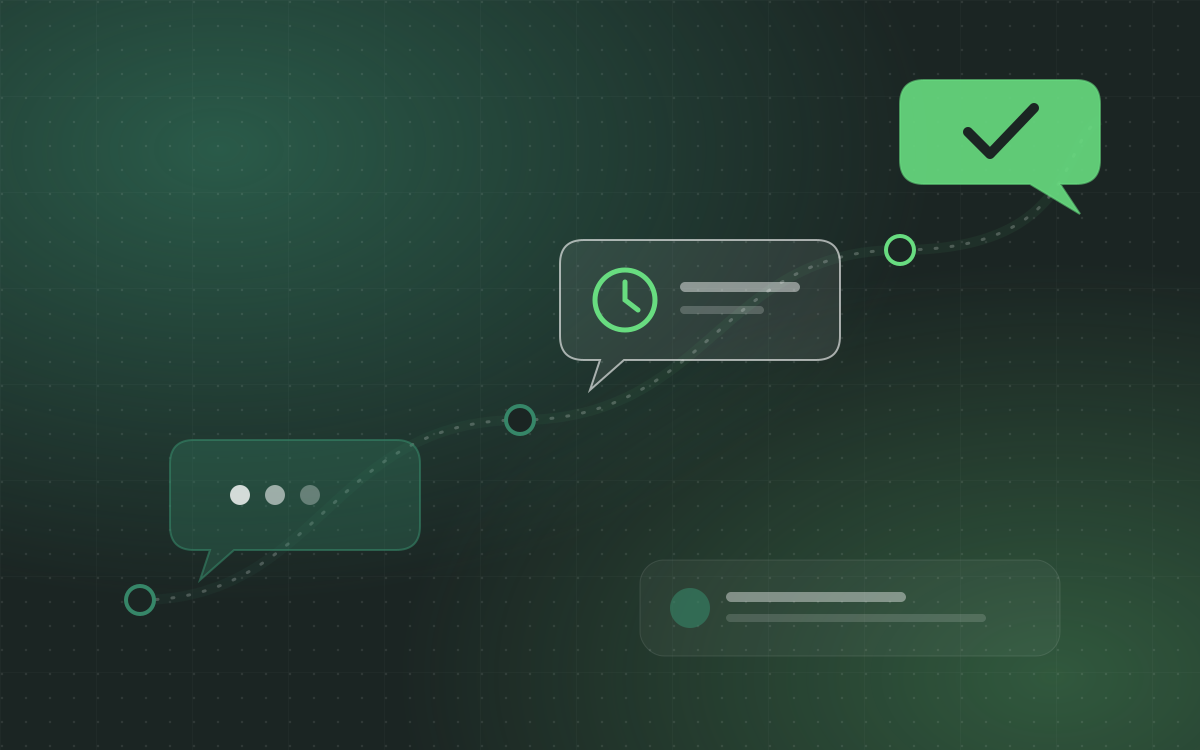
In most small businesses, follow-ups depend on someone remembering. An enquiry comes in on a busy Saturday, the owner means to reply on Monday, and by Wednesday the customer has gone elsewhere. It is rarely a lack of effort. It is that the team is already stretched.
Automation will not replace a good conversation, but it can make sure the routine messages always go out on time, so your team can spend its energy on the conversations that need a person. This guide covers what small teams can automate with email and WhatsApp, what should stay personal, and how to do it responsibly.
Key takeaways
- Start by mapping your follow-up journey on paper. Automate the steps that are routine and repeated, not the ones that need judgement.
- Good first automations: an instant acknowledgement, appointment reminders, a check-in after a quote, and a review request after the job.
- WhatsApp's business tools require consent. On the WhatsApp Business Platform, businesses must get opt-in before messaging people.
- Keep one place, even a shared spreadsheet, where every lead and its status is recorded, so nothing depends on memory.
Start with the journey, not the tool
Before choosing any software, write down what happens from the moment someone gets in touch to the moment they become a customer, or decide not to. For most service businesses it looks something like this.
- 01Enquiry arrivesForm, call or WhatsApp (keep personal)
- 02Instant acknowledgementConfirms receipt, sets expectations (good to automate)
- 03Lead logged & assignedRight person notified (good to automate)
- 04ConversationNeeds, questions, quote (keep personal)
- 05Reminders & check-insAppointment and quote follow-ups (good to automate)
- 06Review requestAfter a job well done (good to automate)
For each step, ask three questions: does this happen often, is the message mostly the same each time, and does it go wrong when we are busy? If the answer to all three is yes, it is a strong candidate for automation.
What small teams can sensibly automate
1. Instant acknowledgement
When someone fills in your website form, send an immediate email confirming you have received it, telling them when to expect a reply and how to reach you urgently. It reassures the customer and buys your team time to respond properly.
2. Notifying the right person
Make sure every new enquiry reaches the person who should handle it, by email or a team notification, and is added to your lead list automatically. Many missed follow-ups start with an enquiry sitting unread in a shared inbox.
3. Appointment and consultation reminders
A reminder the day before and again shortly before an appointment helps reduce no-shows. Include the time, location or meeting link, and a simple way to reschedule.
4. Quote follow-ups
After sending a quote, schedule a polite check-in a few days later. If there is still no reply, one more gentle message is usually enough. Stop there; chasing repeatedly does more harm than good.
5. Review requests
Once a job is complete and the customer is happy, send a short thank-you with a link to leave a review on your Google Business Profile. Our Google Business Profile checklist explains why genuine reviews matter, and why you should never offer incentives for them.
6. Re-engagement and renewals
For businesses with repeat customers, such as servicing, renewals or seasonal work, a reminder at the right time can be genuinely useful to the customer as well as to you.
What should stay personal
Automation works best for predictable, routine messages. Some moments need a person.
- Understanding what the customer actually needs, and answering detailed questions.
- Discussing price, scope and anything that will be agreed in writing.
- Handling complaints, refunds or anything sensitive.
- Replying to a customer who has responded to an automated message. Once they reply, a person should take over.
Using WhatsApp for business, responsibly
For many Indian customers, WhatsApp is the most natural way to talk to a business. There are two broad options, and they suit different needs.
The WhatsApp Business app
The free WhatsApp Business app is designed for small businesses and is used from a phone. It includes tools such as a business profile, quick replies for common answers, greeting and away messages, and labels to organise chats. For a small team, setting these up well is often the simplest first step.
The WhatsApp Business Platform
For automated reminders and notifications at larger volume, connected to your website or booking system, businesses use the WhatsApp Business Platform, usually through an approved provider. It has its own rules and costs, so check the current terms before committing.
- Meta's documentation states that businesses must obtain opt-in (opens in a new tab) before messaging people, clearly stating that the person is opting in to receive messages and naming the business.
- Outside the customer service window that opens when a customer messages you, businesses can only send pre-approved template messages (opens in a new tab).
- Messages should be relevant and expected. Unwanted messages can lead people to block or report your number.
Getting email follow-ups right
- Send from your business domain rather than a free personal address, and make sure your domain's email authentication is set up correctly, so messages are less likely to land in spam.
- Keep automated emails short, with one clear next step.
- For marketing emails, include a clear way to unsubscribe and honour it.
- Check your automated emails on a phone; that is where most of them will be read.
A simple way to get started
Your first two weeks
- Map your current follow-up journey on one page.
- Create one place where every lead is recorded, even a shared spreadsheet to begin with.
- Set up an instant acknowledgement for website enquiries.
- Set up quick replies and greeting and away messages in the WhatsApp Business app.
- Add appointment reminders if you take bookings.
- Write a short review-request message for completed jobs.
- Review after a month: what was missed, what annoyed customers, what saved time?
Start small, check the results, and add more only when the basics work. If you would like help connecting your website, forms and messaging, our technology and automation services cover this, and you can contact us to talk it through.
Next step
Want follow-ups that run without you chasing them?
Tell us how enquiries reach you today and where they slip through. We will suggest a practical set-up for your team, scoped and agreed in writing before any work begins.
This article is general guidance, not a guarantee of any particular result. Search engines and platforms change their tools and policies, so check the official documentation linked above for the latest details.